> For the complete documentation index, see [llms.txt](https://auro-finance.gitbook.io/auro-finance-docs/llms.txt). Markdown versions of documentation pages are available by appending `.md` to page URLs; this page is available as [Markdown](https://auro-finance.gitbook.io/auro-finance-docs/user-guide/collateral-debt-position/repay-usda.md).
# Repay USDA
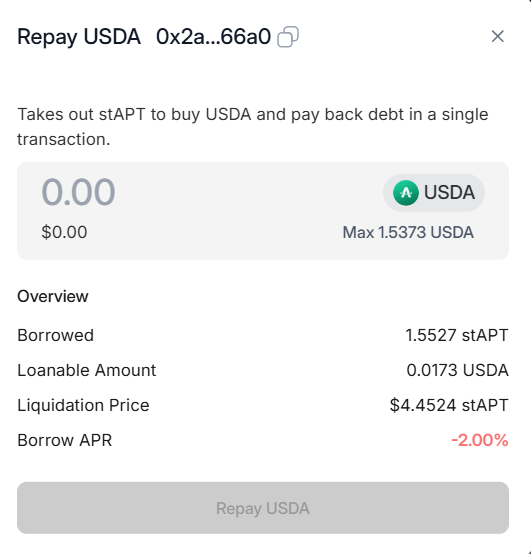
To repay back your USDA loan:
1. Head over to your Auro Finance CDP “Dashboard”. Select which collateral type you would like to repay your USDA against, and click "Repay".
2. Enter the amount of USDA you would like to repay, and click on "Repay USDA"